- Order received
- Route built and sent to Kenji
- Out for deliveryTwo stops away — arriving around 9:46 AM
- Delivered
Dispatch & tracking
Send the route. Track every stop.
Hand a driver their day, push the route to their phone, and watch each delivery land on a live map. When a customer asks where their parcel is, the answer is already on your screen.
Live demo with sample data — a driver working a real Tokyo route, stops marking off as they pass.
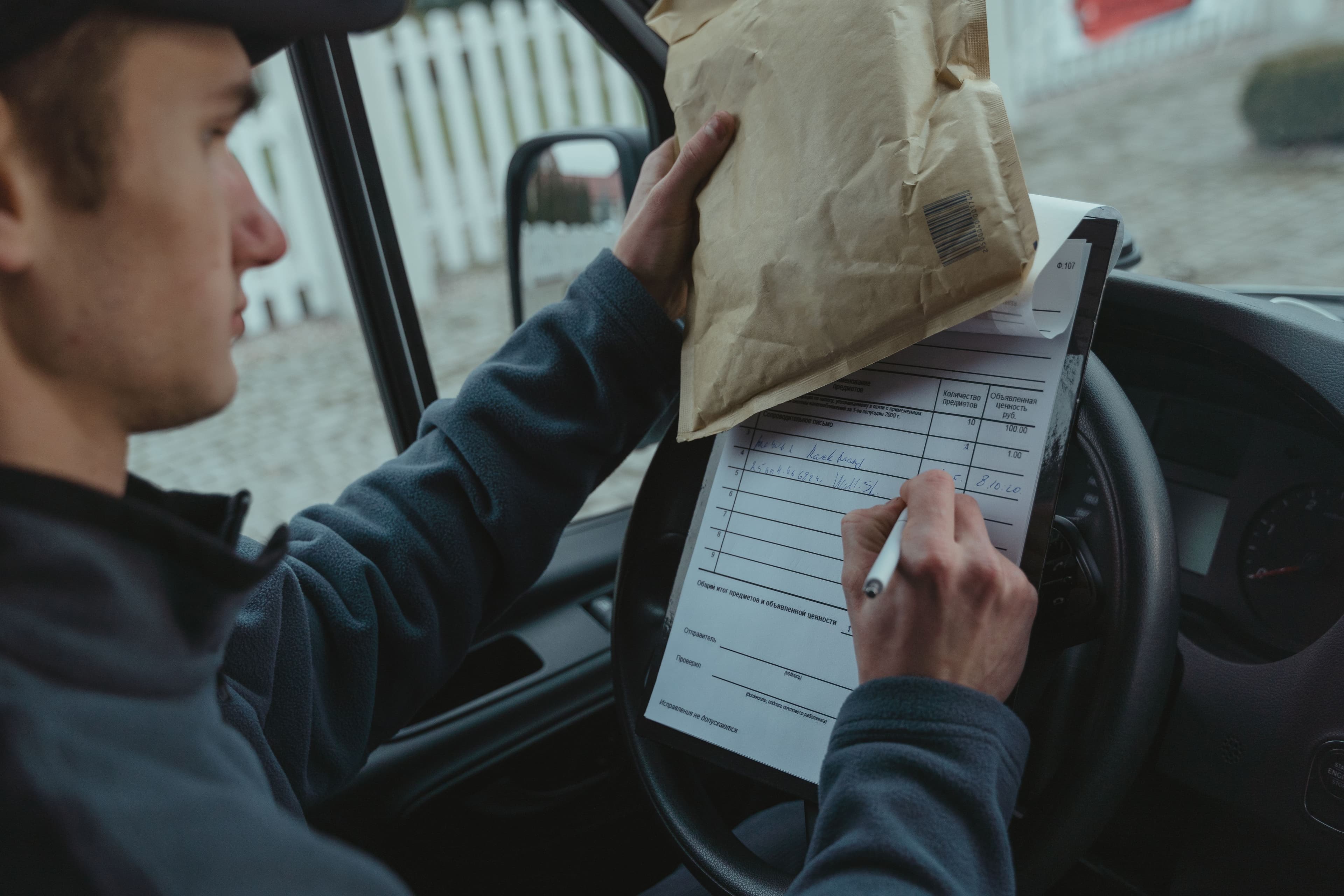
Before Hikyaku
The run sheet lived on the dashboard
A clipboard balanced on the steering wheel, stops ticked off in biro, signatures scrawled in the margin. The driver knows how the day is going — nobody back at base does, not until the paper comes in and someone keys it into a spreadsheet.
When a customer rings to ask where their parcel is, the honest answer is a shrug. Everything below replaces that clipboard.
Dispatch
Build the run, then send it once
Drag parcels into the order you want, or let the route optimise itself around each delivery window. One action sends the finished run to the driver's app — every stop in sequence, addressed and ready, with a proof-of-delivery prompt waiting at each door.
Plans change mid-shift. Reorder or drop a stop and the route updates on the next sync — while anything already delivered or in transit stays locked, so finished work never gets reshuffled by accident.
Live tracking
Every driver on one map
Driver locations stream in as they move, so dispatch watches the whole fleet at a glance and catches a run slipping behind before the customer feels it. Open any driver to replay where they've been and see what's still ahead of them.
Status
Statuses that keep themselves current
Each scan and stop moves the parcel along on its own — pending, assigned, in transit, delivered — stamped with the time it happened. The same record drives the tracking page your recipients open, so what they see is exactly what you see.
Run your next delivery day on Hikyaku
Open source and self-hostable. Start with your own fleet and grow from there.