Warehouses
A warehouse is a depot. Packages start at a warehouse, and each shift starts and ends at the warehouse of its vehicle. Drivers and vehicles belong to one warehouse. The planner uses only the drivers and vehicles of the package's warehouse.
Who can use this page: team members with warehouse.view. To add a warehouse, you must have warehouse.add. Refer to Access Control.
See the warehouses
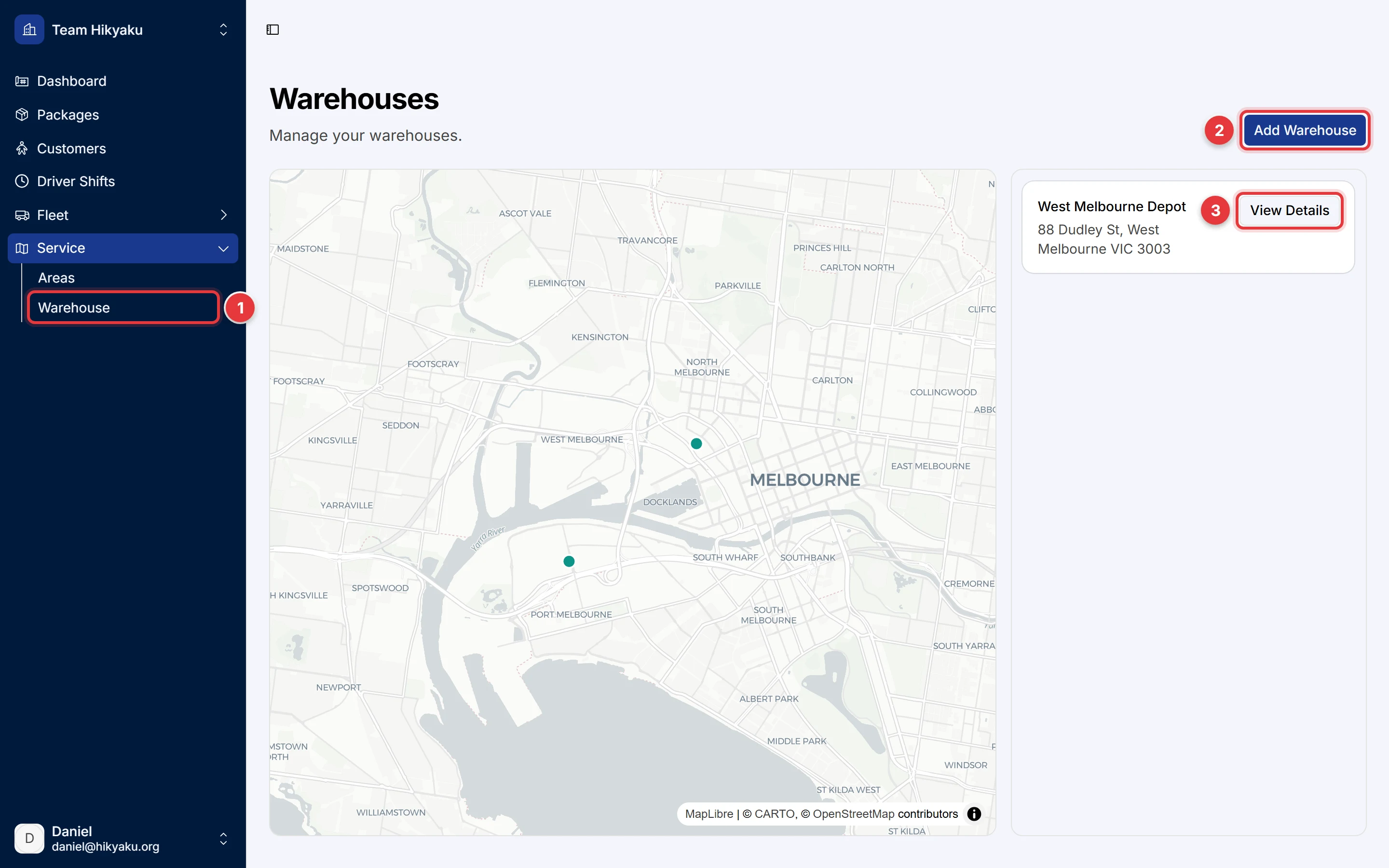
- In the sidebar, click Service, then click Warehouse.
- Click Add Warehouse to add a depot.
- Click View Details to open a warehouse.
The map shows the location of each warehouse.
Add a warehouse
- Click Add Warehouse.
- Type the Warehouse Name.
- In Address, type the address and select it from the list. The map shows the location.
- Save the warehouse.
Hikyaku uses the time zone of the warehouse to plan shifts. For example, the default start time of 08:00 is 08:00 at the warehouse.
Open a warehouse
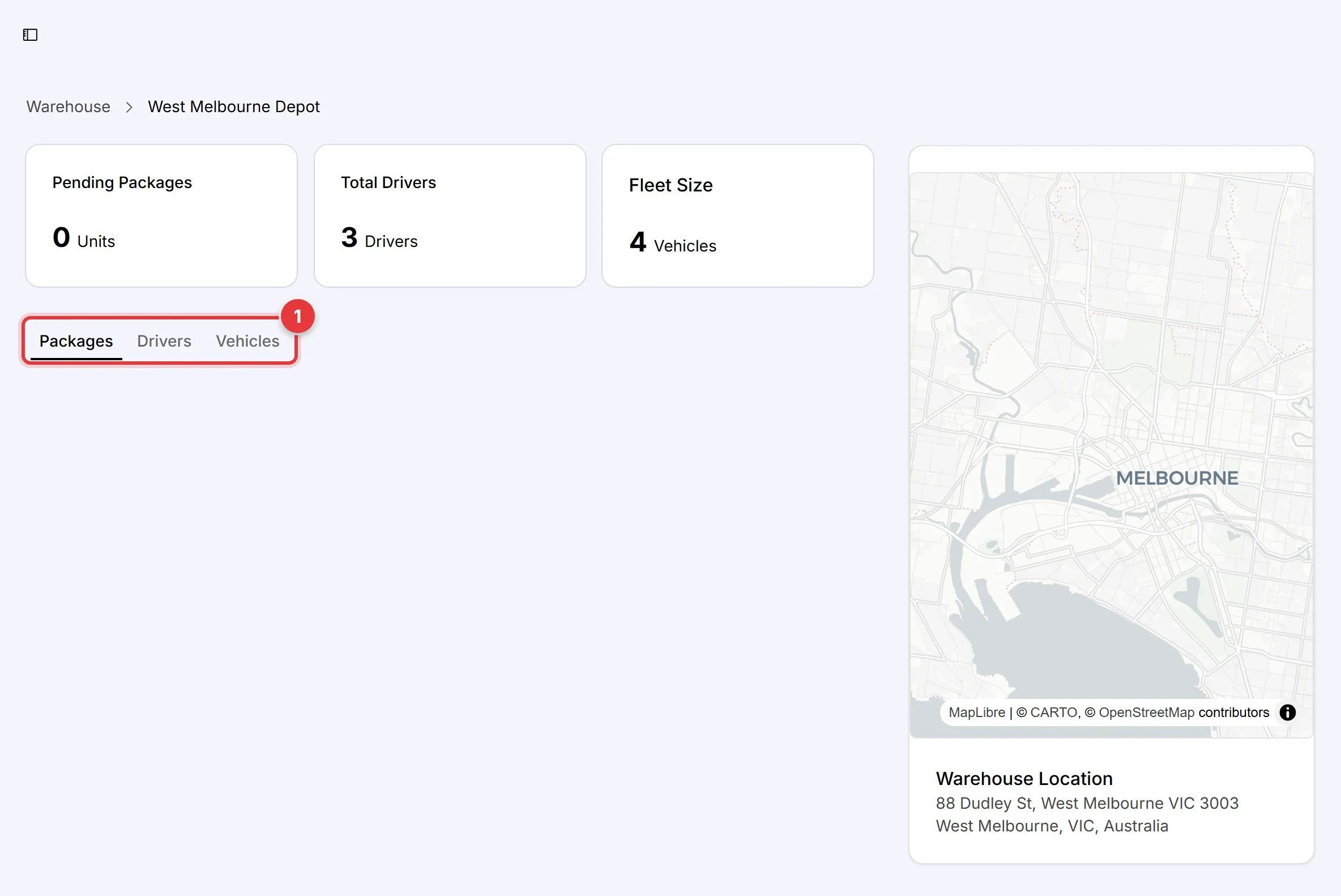
The warehouse page shows the number of pending packages, drivers and vehicles, and the location on the map.
- Use the tabs to see the Packages, Drivers and Vehicles of the warehouse.
On the Drivers tab, click Assign Driver to move a driver to this warehouse. On the Vehicles tab, you can pair a vehicle with a driver. The planner uses a driver only when the driver has a vehicle.